Core setup
Organize your work before you start collecting
Use workspaces for your team, projects for initiatives, and folders for the studies and resources your team works on together.
Workspace scope
Workspace and folder setup
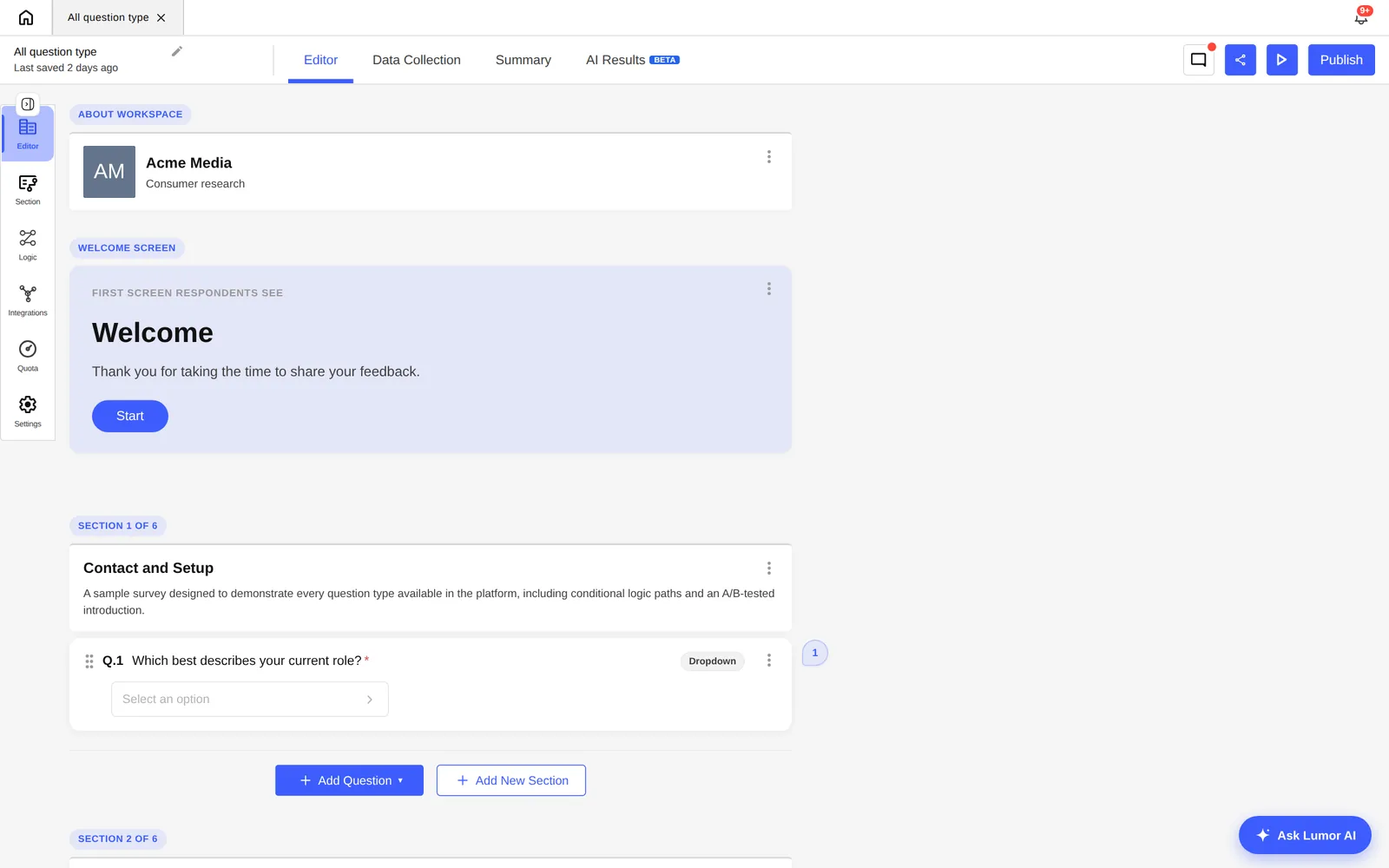
These screens show how to set up your workspace before launching a study.

Step 1 of 4
1. Create a workspace
Give your workspace a clear name so team members know which one they are working in.
Quick start
Recommended structure
Use a consistent hierarchy so teammates can find studies later.
Workspace
One workspace usually represents a company, client, or team with shared membership and administration.
Project
Create projects for larger initiatives, product areas, research programs, or client workstreams.
Folder
Use folders for individual studies, waves, markets, or sprint-level research batches.
A workspace is the main container for your team's work in Lumor. Projects, folders, members, and permissions all live inside a workspace.
- Switch between workspaces from the app menu when you have access to more than one.
- Set the workspace name and logo so it is easy to recognize for your team.
- Accept invitations to join other workspaces without losing access to your current one.
Projects and folders
Projects group related research initiatives. Folders sit inside projects and hold surveys, intercepts, and other resources. This structure keeps access, navigation, and trash predictable.
| Area | Use it for |
|---|---|
| All Projects | Browse and open every project you have access to. |
| Project folders | Group studies by sprint, market, product area, or client. |
| Recents | Jump back into resources you have worked on recently. |
| Starred projects | Keep important work easy to find. |
| Trash | Restore or permanently delete resources. |
Access follows the hierarchy
Permissions flow through the workspace, project, and folder. If you cannot see a project, folder, or study, ask a workspace admin or the resource owner to give you access.
Before creating a new study
- Confirm the active workspace is correct.
- Create or open the project that matches the research initiative.
- Create a folder with a name teammates can recognize later.
- Decide whether the study should be a Lumor survey, discussion, interview, or third-party intercept.